

Warehouse operations rarely stay exactly the same as a business grows. New clients, products, warehouse locations, billing rules, integrations, and fulfillment requirements can create workflows that standard WMS configurations do not always handle efficiently.
In those situations, a custom WMS solution can help adapt warehouse workflows, integrations, reporting, billing rules, and automation to the way the operation actually works.
When Does a Business Need a Custom WMS Solution?
Every warehouse has different operational requirements, but that does not mean every business needs custom software. Standard WMS features and configuration can handle many common processes such as inventory control, receiving, picking, packing, shipping, and returns.
Customization becomes more relevant when important workflows cannot be handled efficiently through standard configuration. This may include client-specific processes, unusual billing models, specialized inventory rules, proprietary integrations, custom reports, or automation requirements.
Different industries can also introduce different operational demands. An ecommerce fulfillment warehouse may need different picking and order-routing workflows from a cold-storage facility, manufacturer, distributor, or multi-client 3PL.
A custom WMS solution can extend or adapt the system around these requirements without forcing warehouse teams to rely on spreadsheets, disconnected applications, or repeated manual workarounds.
WMS Configuration vs Customization: What Do You Actually Need?
Configuration uses existing WMS capabilities to adjust workflows, rules, permissions, billing settings, reports, user access, and other operational preferences without changing the underlying software.
Customization goes further. It extends or changes the system when an operational requirement cannot be handled properly through standard configuration.
This may involve custom APIs, specialized billing logic, unique warehouse workflows, additional reporting, mobile processes, or automation built around a specific operational requirement.
In most cases, businesses should start with configuration and customize only where there is a genuine operational need.
What Can Be Customized in a Warehouse Management System?
The value of a custom WMS comes from adapting specific parts of the warehouse operation where standard workflows are not enough.
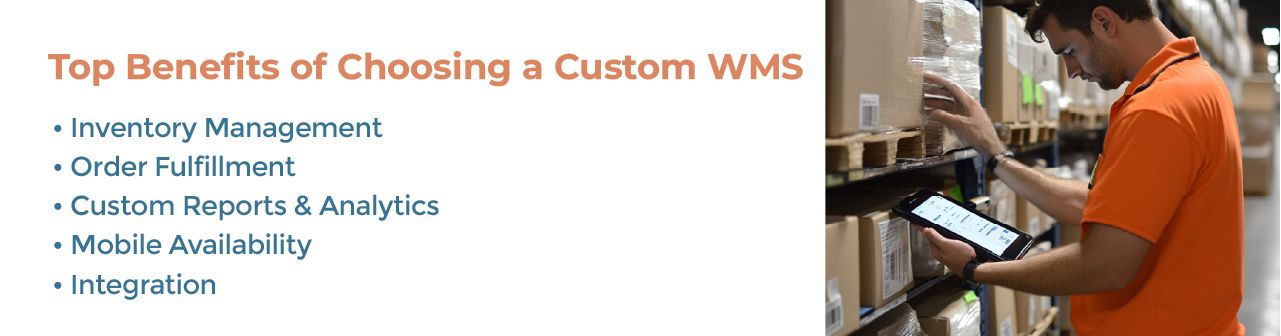
Inventory Rules and Workflows
Inventory customization becomes useful when standard inventory rules are not enough.
A warehouse may need client-specific inventory statuses, specialized allocation rules, unique quarantine processes, custom replenishment logic, or additional data fields tied to specific products and workflows.
These requirements can help businesses maintain accurate inventory management without forcing every product, client, or warehouse location into the same process.
Order Fulfillment Workflows
Different operations may need client-specific picking methods, packing requirements, order priorities, shipping rules, or exception handling.
Customization becomes useful when these workflows cannot be represented accurately through standard settings.
For example, one client may require special packing instructions while another needs different shipping priorities, labeling rules, or order-validation steps.
Custom 3PL Billing Rules
3PL operations often have client-specific pricing requirements that go beyond basic billing rules.
Different customers may be charged for storage, receiving, picking, packing, returns, kitting, labeling, special handling, or other value-added services using different rate structures.
Custom billing configuration becomes useful when these pricing rules, exceptions, or calculations cannot be handled cleanly through standard settings.
For a deeper look at these workflows, see 3PL billing software.
Reports and Analytics
Standard reports may not always match the operational KPIs or client reporting requirements a warehouse needs.
Customized reporting can help teams create dashboards and reports around inventory turnover, fulfillment performance, stock movement, billing activity, SLA performance, warehouse productivity, and other operational metrics.
For 3PLs, reporting may also need to be separated by client, warehouse, service level, or billing activity.
Custom Mobile and Barcode Workflows
Mobile and barcode workflows can also be adapted around specific warehouse processes.
A business may need additional validation steps, custom scanning sequences, mobile receiving workflows, real-time stock adjustments, or specialized picking processes that are not covered by the standard setup.
These workflows can help warehouse teams complete tasks with fewer manual steps while maintaining process consistency.
Custom Integrations and APIs
A WMS rarely operates alone.
It may need to connect with ecommerce platforms, marketplaces, accounting software, ERPs, carriers, CRM systems, client applications, or specialized warehouse technology.
Standard connectors may be enough for common ecommerce platforms and carriers. Custom API or EDI work becomes more relevant when a warehouse needs to connect with a proprietary ERP, client system, retailer network, legacy application, or specialized operational platform.
For a broader integration overview, see our guide to WMS integration types.
How to Plan a Custom WMS Project
A successful WMS customization project starts with understanding the operational problem before deciding what needs to be changed.
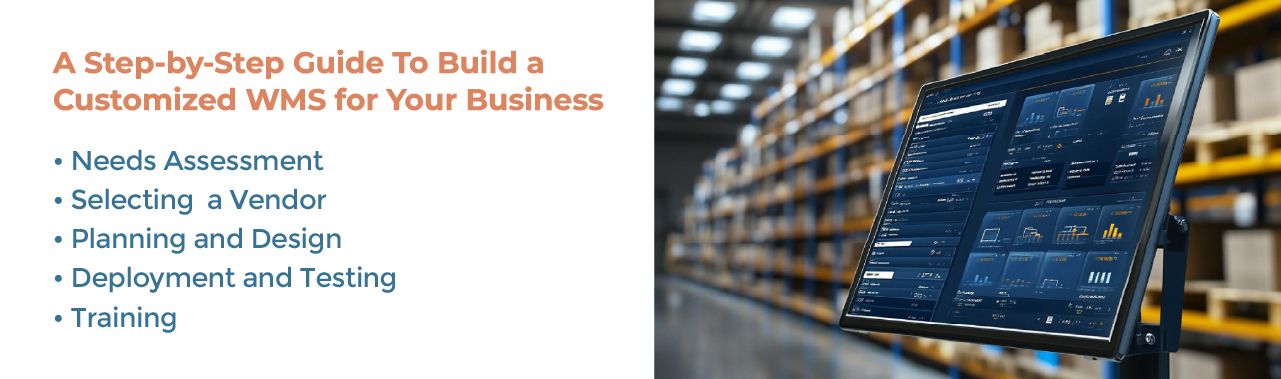
Needs Assessment
Start by identifying your specific needs and objectives.
Which warehouse processes create the most manual work? Which workflows cannot be handled through the current system? Which client requirements, integrations, reports, billing rules, or automation processes need additional support?
Documenting these requirements helps separate necessary customization from features that may already exist through normal configuration.
Selecting a WMS Provider
Not every WMS provider offers the same level of flexibility.
Choose a provider that understands your warehouse model and can clearly explain what should be configured, what requires customization, and how integrations, testing, implementation, and ongoing support will be handled.
The goal should be to solve operational requirements without creating unnecessary development work.
Planning and Design
Once the requirements are clear, define how the customized workflows should operate.
This phase can include workflow design, custom reports, integrations, billing rules, user permissions, automation requirements, and data requirements.
Each customization should have a clear operational reason and expected outcome.
Deployment and Testing
Roll out changes in stages and validate them against real warehouse workflows.
Testing should cover normal transactions as well as exceptions such as inventory discrepancies, failed integrations, partial shipments, returns, billing exceptions, or unusual client requirements.
A phased rollout helps reduce disruption before the customized workflows are used across the full operation.
Training
Warehouse staff should understand not only how to use new workflows but also why those workflows were introduced.
Training should cover receiving, picking, packing, shipping, inventory updates, billing, reporting, or other areas affected by customization.
Ongoing support is also important as warehouse requirements change over time.
Custom WMS Use Cases for Different Warehouse Operations
Customization needs vary depending on the warehouse model.
Ecommerce operations may need custom order-routing rules, channel-specific fulfillment workflows, packing requirements, marketplace integrations, or processes designed around high order volume.
3PL providers may need client-specific workflows, billing rules, reporting, permissions, integrations, and operational requirements within the same warehouse.
Manufacturers and distributors may require specialized lot or serial processes, replenishment rules, ERP integrations, inventory status controls, or workflows tied to production and distribution.
Multi-warehouse businesses may need location-specific workflows, transfer rules, routing logic, reporting, and visibility across facilities.
The purpose of customization is not to make every warehouse process unique. It is to support the operational requirements that standard configuration cannot handle efficiently.
When WMS Customization Becomes Too Complex
Customization should solve operational problems, not create new ones.
Excessive custom development can increase implementation cost, testing requirements, maintenance effort, upgrade complexity, integration dependencies, and reliance on specialized support.
It can also make future system changes more difficult if too many workflows depend on custom logic.
The better approach is to use standard WMS capabilities wherever they work well, configure the system around normal business requirements, and customize only the workflows that provide meaningful operational value.
If customization is being considered mainly because the existing WMS cannot support basic warehouse requirements, it may also be worth reviewing whether the business has simply outgrown the current platform. See when generic warehouse management software falls short.
Conclusion: When a Custom WMS Solution Makes Sense
A custom WMS solution makes sense when standard warehouse software cannot efficiently support the workflows, integrations, billing models, reporting, or automation your operation requires.
The goal is not to customize every part of the system. Start with standard capabilities and configuration, then customize the areas where your warehouse has genuine operational requirements.
Fulfillor supports customized WMS requirements for 3PLs, ecommerce fulfillment operations, and warehouses with complex workflows, integrations, billing rules, reporting needs, or multi-location requirements.
For businesses evaluating the cost of additional configuration or development, our warehouse management system cost guide explains how customization, integrations, implementation, and other requirements can affect total WMS cost.
Schedule a custom WMS demo to discuss your warehouse requirements and determine where standard configuration is enough and where customization may add value.
Frequently Asked Questions
What is a custom WMS solution?
A custom WMS solution is warehouse management software that has been configured or extended to support operational requirements that are not fully covered by standard workflows. This may include custom integrations, billing rules, reports, automation, inventory logic, or fulfillment processes.
Is a custom WMS the same as building warehouse software from scratch?
No. A business can customize an existing WMS without building an entirely new warehouse management system. In many cases, standard functionality is used for common warehouse processes while specific workflows or integrations are customized where needed.
When should a warehouse customize its WMS?
Customization becomes useful when an important operational requirement cannot be handled efficiently through standard configuration. Common examples include proprietary integrations, unusual billing models, client-specific workflows, specialized automation, and custom reporting requirements.
What parts of a WMS can be customized?
Depending on the platform, businesses may customize inventory rules, order workflows, picking and packing processes, barcode workflows, billing logic, reports, dashboards, APIs, EDI connections, user permissions, and automation.
Does WMS customization increase implementation cost?
It can. Custom integrations, workflows, reporting, automation, and development typically require additional planning, testing, implementation, and ongoing maintenance. Businesses should therefore customize only where the operational value justifies the added complexity.
Can a 3PL customize billing and client workflows?
Yes. A 3PL may need different billing rules, rate structures, inventory controls, fulfillment workflows, reporting, permissions, and integrations for different clients. A configurable or customizable 3PL WMS can help manage these requirements within the same warehouse system.