
A warehouse manager considering automation usually has practical concerns: Will the investment pay off? Can the team maintain it? Will it work with the systems already in place? Those questions deserve clear answers before a purchase.
The difficulty is that warehouse automation can mean anything from barcode checks and order-processing rules to conveyors and robotic systems. Assumptions about one type of technology do not necessarily apply to another.
These five warehouse automation myths explain where common assumptions fall short and what to check before committing your budget.
5 Common Warehouse Automation Myths
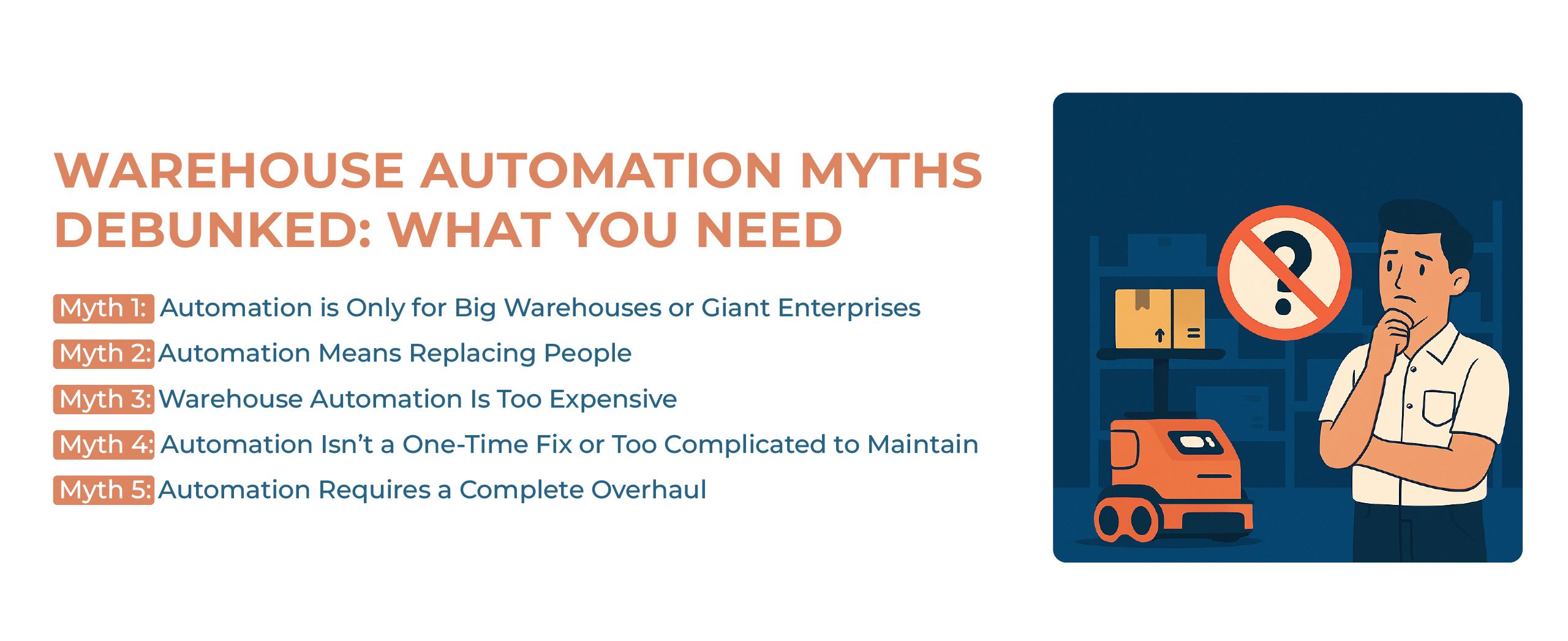
Myth 1: Automation Is Only for Large Warehouses
Warehouse automation does not always require robotics or major infrastructure investment. Smaller operations can begin with barcode scanning, guided picking, inventory tracking, or a cloud-based WMS before considering equipment such as autonomous mobile robots or automated storage systems.
The appropriate level of automation depends on order volume, process complexity, available space, labor constraints, and expected return on investment.
For example, a small fulfillment warehouse with frequent item mix-ups might benefit from mobile scan validation before considering automated material handling. A larger facility facing excessive travel time may need a different solution. Floor area alone does not identify the right investment; the task causing the delay or error is a better starting point.
Myth 2: Automation Always Means Replacing People
Automation often changes how warehouse work is performed rather than eliminating the need for people entirely. Repetitive movement, data entry, and routine material handling can be automated, while employees focus on quality checks, exception handling, maintenance, supervision, and customer-specific tasks.
However, automation may change staffing requirements and job responsibilities. Successful implementation therefore requires training, clear communication, and realistic workforce planning.
Consider what happens when order details move automatically between connected systems. Staff may spend less time entering data, but someone still needs to investigate missing orders, correct product records, and resolve failed transactions. Before implementation, identify which tasks will change, who will handle exceptions, and what training those responsibilities require.
Myth 3: Warehouse Automation Is Always Too Expensive
Automation costs vary considerably. Barcode scanning and cloud-based warehouse software usually require less capital than conveyors, robotics, or automated storage systems.
Businesses should compare implementation costs with measurable operational problems such as picking errors, overtime, travel time, inventory discrepancies, and limited storage capacity. A phased rollout can reduce financial risk, but the expected savings and payback period should be calculated before implementation.
Myth 4: Automation Is a Set-It-and-Forget-It Solution
Warehouse automation requires ongoing monitoring, maintenance, user training, and workflow adjustment. Software rules may need to change as clients, products, order profiles, and warehouse layouts evolve. Physical systems also require preventive maintenance and performance reviews.
Cloud-based tools can reduce some technical maintenance, but they do not eliminate the need to review processes, data quality, integrations, and user adoption.
Ask for a cost breakdown that includes configuration, integrations, devices, training, subscriptions, support, and any equipment maintenance. Then compare it with a measured baseline. Time released for other work can increase capacity, but it should not automatically be counted as a cash saving unless the business actually reduces an expense.
A packing rule that works for one client may become outdated when that client changes its packaging requirements. Assign an owner to review rule changes, integration failures, and recurring overrides. Ask the vendor which maintenance tasks it handles and which remain the warehouse team's responsibility.
Myth 5: Automation Can Fix Inefficient Processes by Itself
Technology cannot correct unclear receiving rules, poor location data, inconsistent SKU labeling, or undefined picking and packing procedures on its own. Automating an unstable process may simply allow mistakes to happen faster.
Before implementation, warehouses should document current workflows, identify bottlenecks, clean inventory and location data, define performance targets, and decide how exceptions will be handled.
Suppose stock is physically moved to another bin without updating its location record. A directed picking task may still send the next employee to the original bin. Before adding more automation, establish how moves are recorded and how discrepancies are corrected. Faster task assignment will not resolve an inaccurate stock location.
What to Evaluate Before Automating a Warehouse
Before comparing vendors, write down the problem you need to solve and the evidence behind it. “Improve warehouse efficiency” is too broad to evaluate. Repeated packing corrections, excessive overtime, or delayed order entry give you something specific to investigate.
Use these questions to assess the proposed investment:
- Problem: Which task causes the delay, error, or capacity constraint, and how often does it occur?
- Alternatives: Could better labeling, training, layout, or configuration address the problem?
- Total cost: What will implementation and ongoing operation cost, including internal staff time?
- Compatibility: Which connections to existing systems and equipment are included, and which require additional work?
- Ownership: Who will maintain the setup, train employees, and resolve failures?
- Evidence: Can the vendor demonstrate your actual requirements and explain how results will be measured?
For a closer look at client-specific processes and implementation, read our guide to 3PL warehouse automation workflows.
Choosing Automation That Fits Your Warehouse
The useful question is whether a particular investment addresses a problem your team can measure. Start with the operational constraint, compare the available options, and account for the work required to keep the solution running.
Fulfillor provides warehouse management tools for inventory, fulfillment, shipping, and multi-client operations. Schedule a demo to discuss your current workflow and check which requirements the platform can support.